A printer can stop working at the most inconvenient time. You may need an urgent document, invoice, report, or business printout. When the printer suddenly stops printing, finding a reliable Printer Repair Near Me service becomes important.
Printer problems can have many causes. Some issues are simple, such as low toner, incorrect settings, or a paper jam. Other problems may involve cartridges, rollers, printheads, sensors, software, or internal components.
In this guide, we explain some of the most common printer problems and what you can do before calling a professional technician.
🔧 Why Is My Printer Not Working?
When a printer stops working, the first step is to understand the exact problem.
Check whether the printer turns on properly. Look for warning lights or error messages on the display. Also check the paper tray, cartridge, toner, power cable, and connection with your computer.
Sometimes, the printer is working correctly but the computer cannot communicate with it. A wrong printer setting, damaged driver, network issue, or stuck print queue can cause this problem.
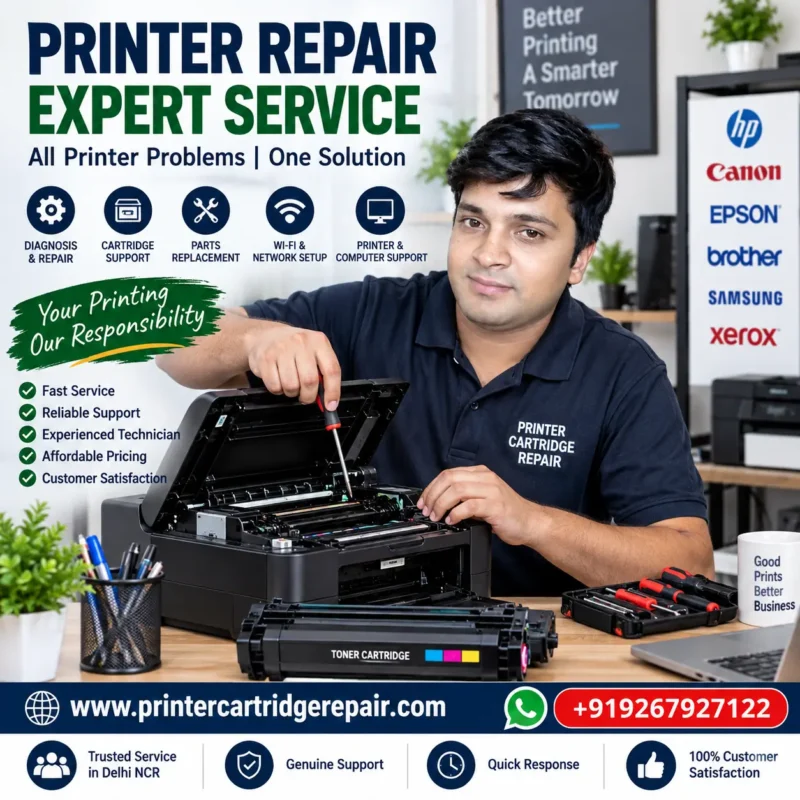
If basic checks do not solve the issue, professional Printer Repair can help identify the actual fault. A technician can inspect both the printer and its connection before recommending a solution.
🖨️ Printer Not Printing
A printer that does not print can have several possible causes.
First, check whether the printer is selected as the default printer on your computer. You should also check the print queue. An old or failed print job can sometimes prevent new documents from printing.
For a USB printer, check the USB cable and connection. For a wireless printer, make sure the printer is connected to the correct Wi-Fi network.
Printer drivers can also create printing problems. An outdated, damaged, or incompatible driver may stop the computer from communicating with the printer.
If these basic checks do not work, a Printer Repair Expert Near Me can inspect the printer, driver, connection, and hardware to find the cause.
📄 Paper Jam Problems
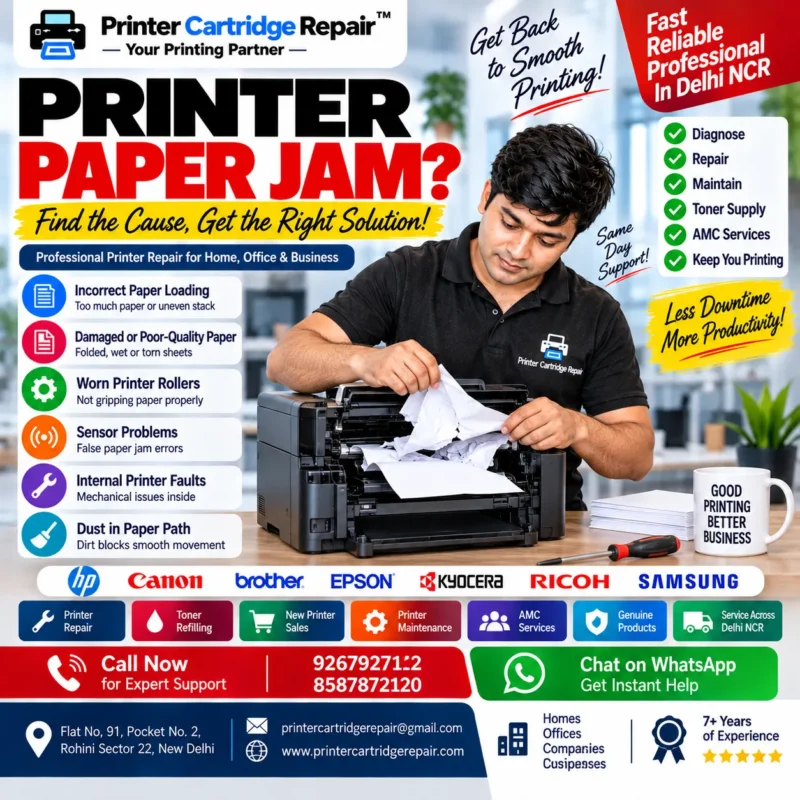
Paper jams are among the most common printer problems. A small piece of paper can become stuck inside the printer and stop the entire printing process.
Paper jams can happen because of:
- Incorrectly loaded paper
- Folded or damaged paper
- Too much paper in the tray
- Worn paper-feed rollers
- Foreign objects inside the printer
- Mechanical problems
Avoid pulling stuck paper with excessive force. It can damage internal rollers or leave small pieces of paper inside the machine.
If you can safely remove the paper according to the printer manufacturer’s instructions, check the machine again. However, repeated paper jams may indicate a deeper mechanical problem.
In that situation, a professional technician can inspect the rollers, paper path, sensors, and other components.
💻 Printer and Computer Connection Problems
Not every printing problem is caused by the printer.
Sometimes the computer is responsible. The printer may be perfectly functional, but the computer may have a driver, software, network, or configuration problem.
Common computer-related printing issues include:
- Missing printer drivers
- Incorrect printer settings
- Outdated drivers
- Stuck print spooler
- Network configuration problems
- USB connection problems
- Software conflicts
This is why printer and computer troubleshooting often needs to be done together.
If you are facing problems with both devices, our Printer & Computer Repair service can help with technical diagnosis and support.
📶 Wi-Fi Printer Problems
Wireless printers are convenient, but network problems can interrupt printing.
A printer may show Offline even when it is switched on. This can happen after changing a Wi-Fi password, replacing a router, changing network settings, or losing the wireless connection.
First, check whether your printer is connected to the same network as your computer or mobile device.
You can also restart the printer and network equipment when appropriate.
If the printer repeatedly disconnects or cannot be detected, the problem may require professional network and printer configuration.
🖨️ Printer Repair Near Me: Common Printer Problems, Causes & Expert Solutions
⚠️ Printer Showing Error Messages
Modern printers can display different error codes and warning messages. These messages can appear because of paper jams, cartridge issues, low toner, connection problems, sensor faults, or internal hardware errors.
Sometimes, turning the printer off and restarting it can clear a temporary error. However, repeated error messages should not be ignored.
If the same error returns after restarting the printer, the problem may need professional diagnosis. A technician can check the printer’s hardware, sensors, cartridge, paper path, and software settings.
This approach can help identify the actual reason behind the error instead of replacing parts without proper testing.
🐌 Printer Printing Very Slowly
Slow printing can become a serious problem in offices, shops, schools, and businesses with regular printing needs.
A printer may print slowly because of high-quality print settings, large documents, network traffic, outdated drivers, low computer resources, or internal printer problems.
For example, printing a large colour document can take longer than printing a simple black-and-white text page.
If your printer suddenly becomes much slower than normal, check the print settings and connection first. If the problem continues, a professional technician can inspect the printer and computer setup.
📠 Scanner or Copy Function Not Working
Many multifunction printers also include scanning and photocopying features. Sometimes printing works normally while scanning or copying does not.
Possible causes include:
- Scanner driver problems
- Software configuration errors
- Connection issues
- Scanner glass or sensor problems
- Internal hardware faults
- Incorrect computer settings
If the scanner is not detected by the computer, reinstalling or updating the appropriate driver may help.
For hardware-related issues, professional inspection may be required.
🧹 Printer Cleaning and Maintenance
Regular maintenance can help reduce avoidable printer problems.
Dust, toner particles, paper residue, and general use can affect internal printer components over time. Feed rollers and other moving parts can also wear with regular use.
Basic maintenance may include cleaning accessible areas, checking paper trays, keeping the printer in a suitable environment, and using compatible consumables.
However, internal cleaning should be performed carefully. Incorrect cleaning methods can damage sensitive printer components.
If the printer requires internal cleaning or maintenance, an experienced technician can inspect it and perform the necessary work.